
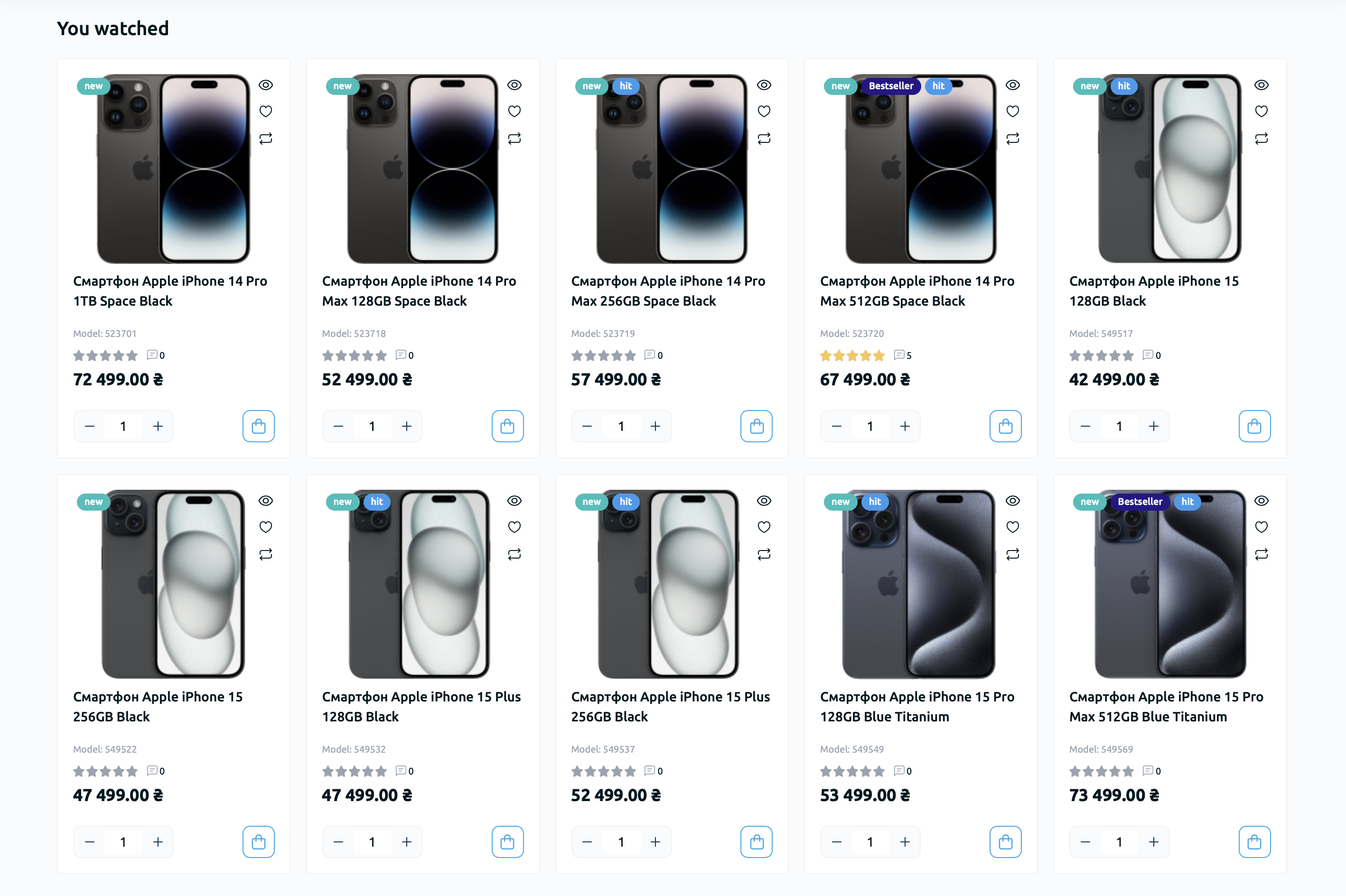
The "Viewed Products" module can be connected to any page or layout of the site. It will automatically display the products viewed by the visitor. To configure the module, go to "Modules / Extensions" - "Modules / Extensions".
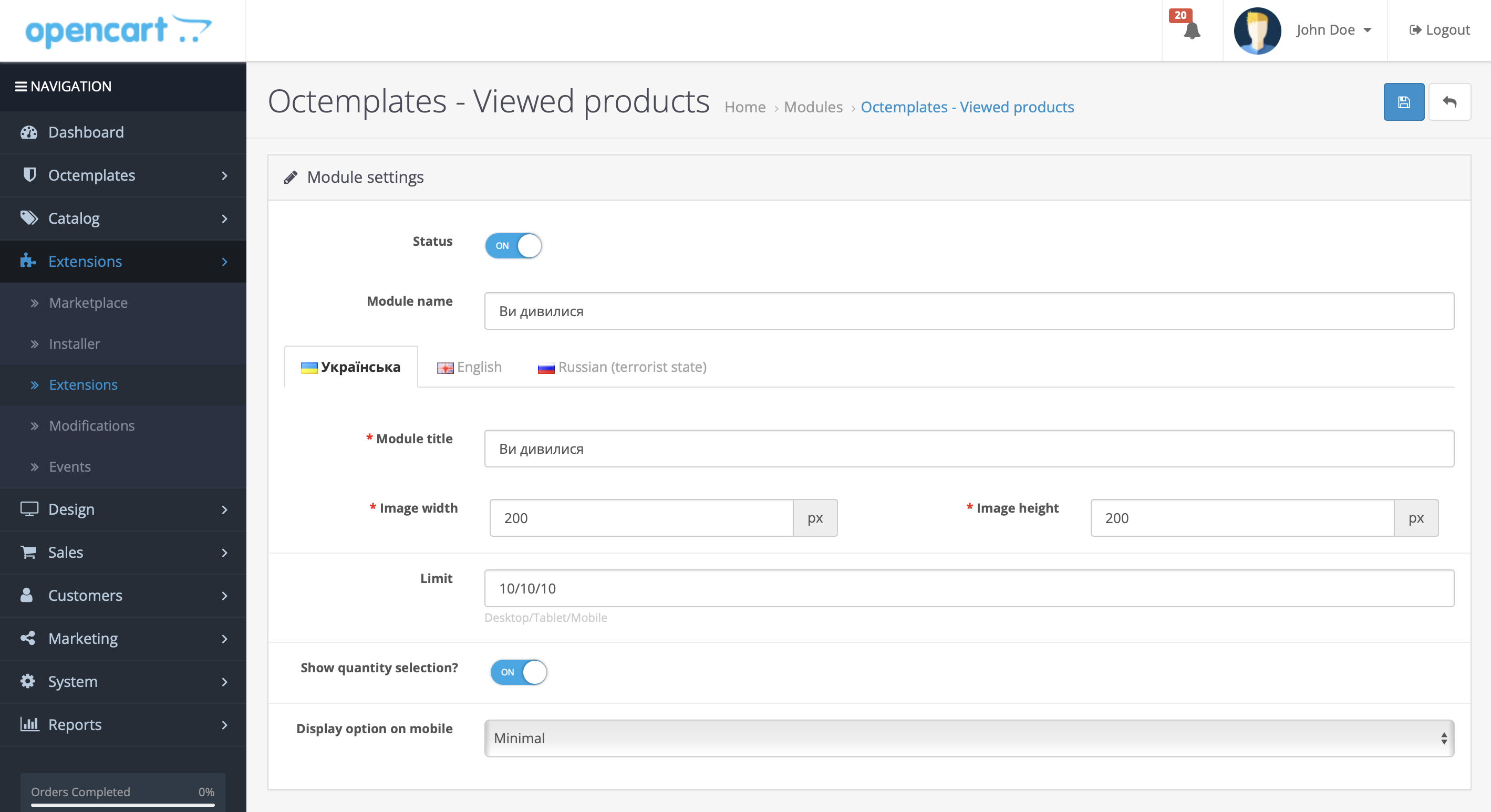
The following settings will be available here:
- "Status" — allows you to enable or disable this module;
- "Module name" — used as the module name so that it is easier to find in the "Design" - "Layouts" section;
- "Module title" — allows you to set the title for the module block that will be displayed on store pages;
- "Image width" — allows you to set the product image width in pixels;
- "Image height" — allows you to set the product image height in pixels;
- "Limit" — allows you to set the maximum number of products that will be displayed in the module;
- "Mobile display option" — allows you to choose one of five product list display options for mobile devices: horizontal "Image on the left, information on the right", full width "Image at the top, information below", 2 products per row "Image at the top, information below, product block width 50%", slider "Products can be scrolled horizontally", and minimalist "Product blocks in a minimalist style".
After configuring the module, go to "Design" - "Layouts" and display the module on the page where it is needed.
Write a comment