
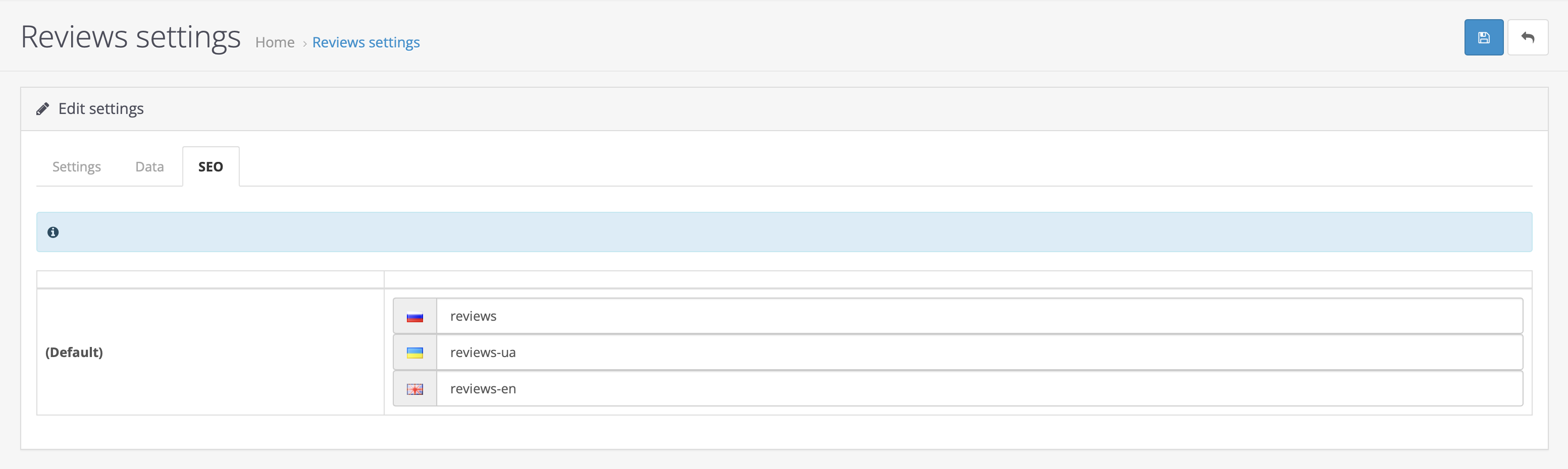
The "Store Reviews" module allows customers to track the store rating based on configured criteria.
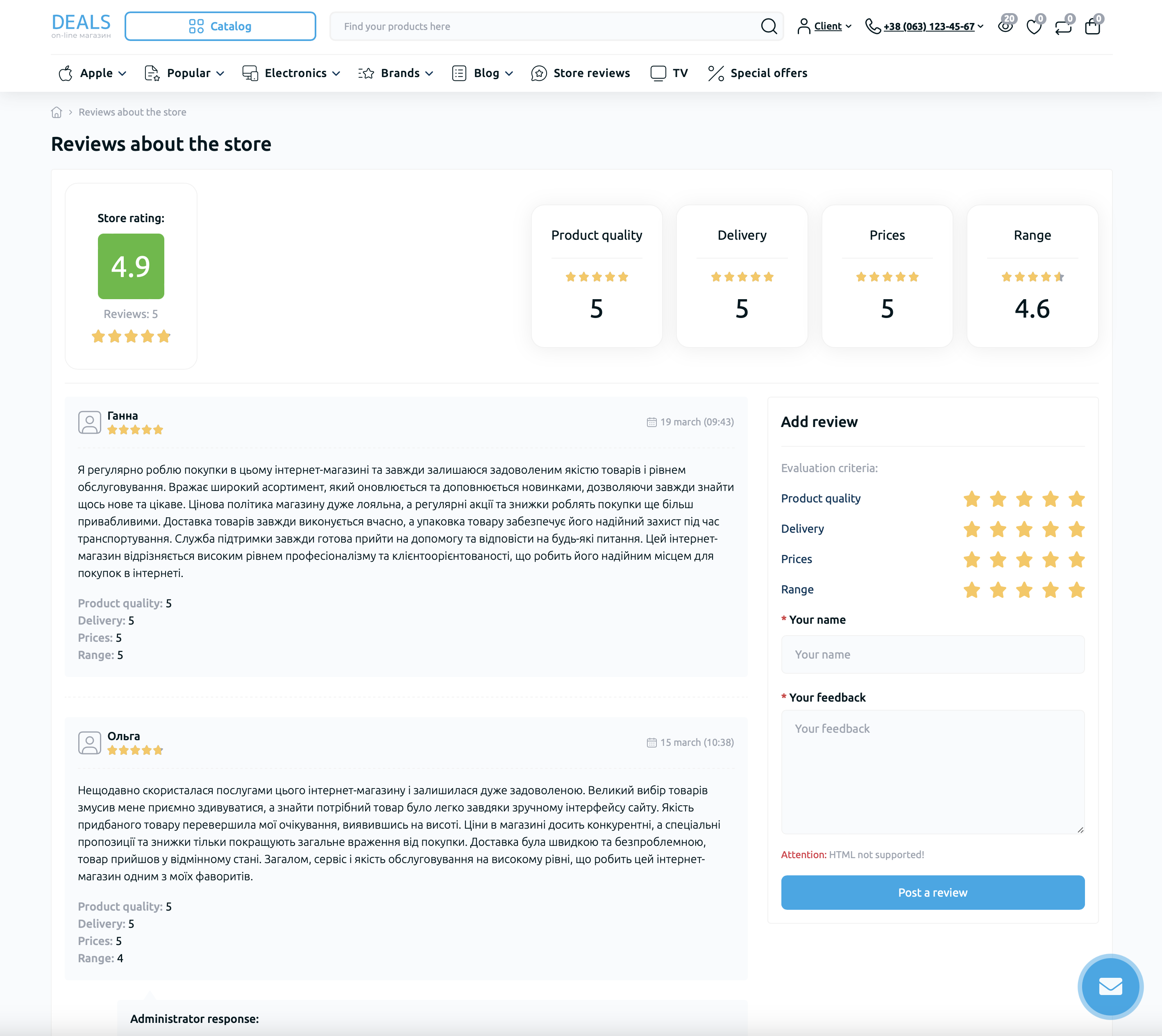
To configure the module, go to "Store Reviews" - "Review Settings".
In the "Settings" tab, you can activate the module, enable or disable sending a notification to the administrator when a review is added, specify the E-mail address for notifications, and enable or disable moderation of added reviews.
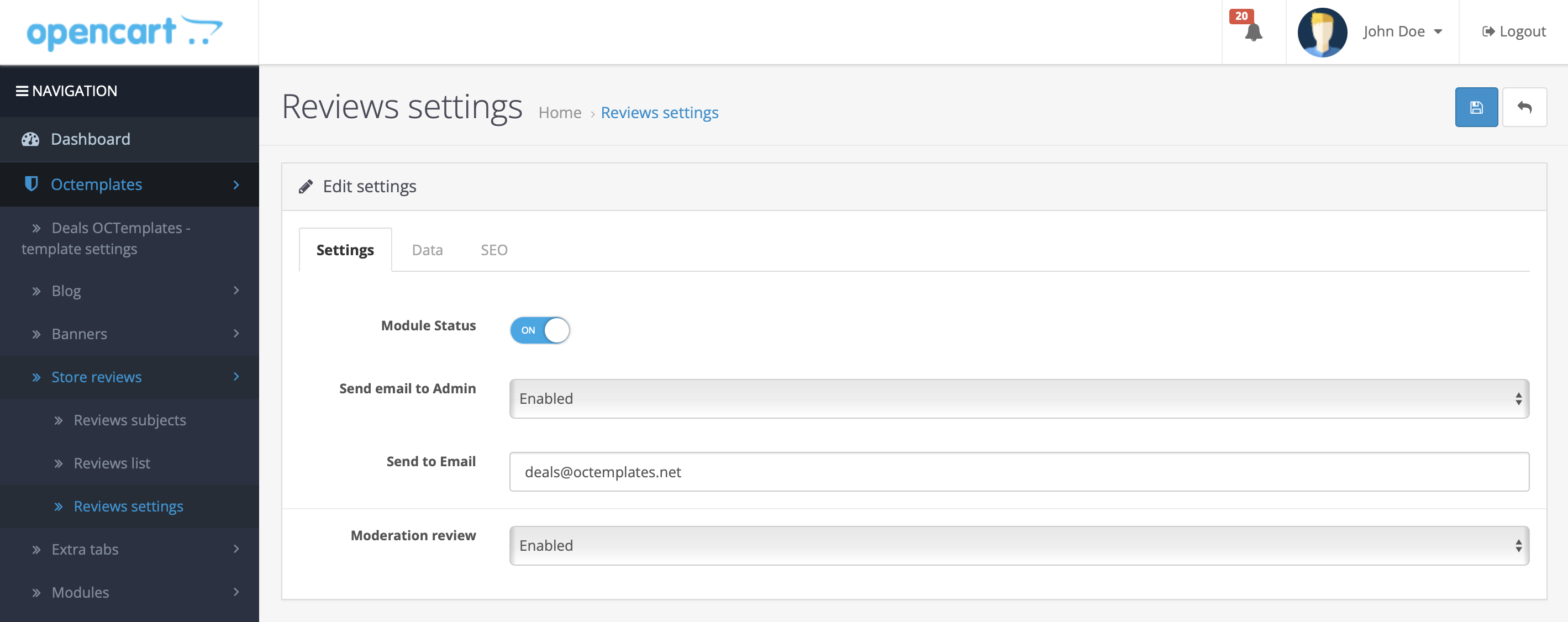
In the "General" tab, you can add Title, H1, Description, Keywords, and a description for the store reviews page.
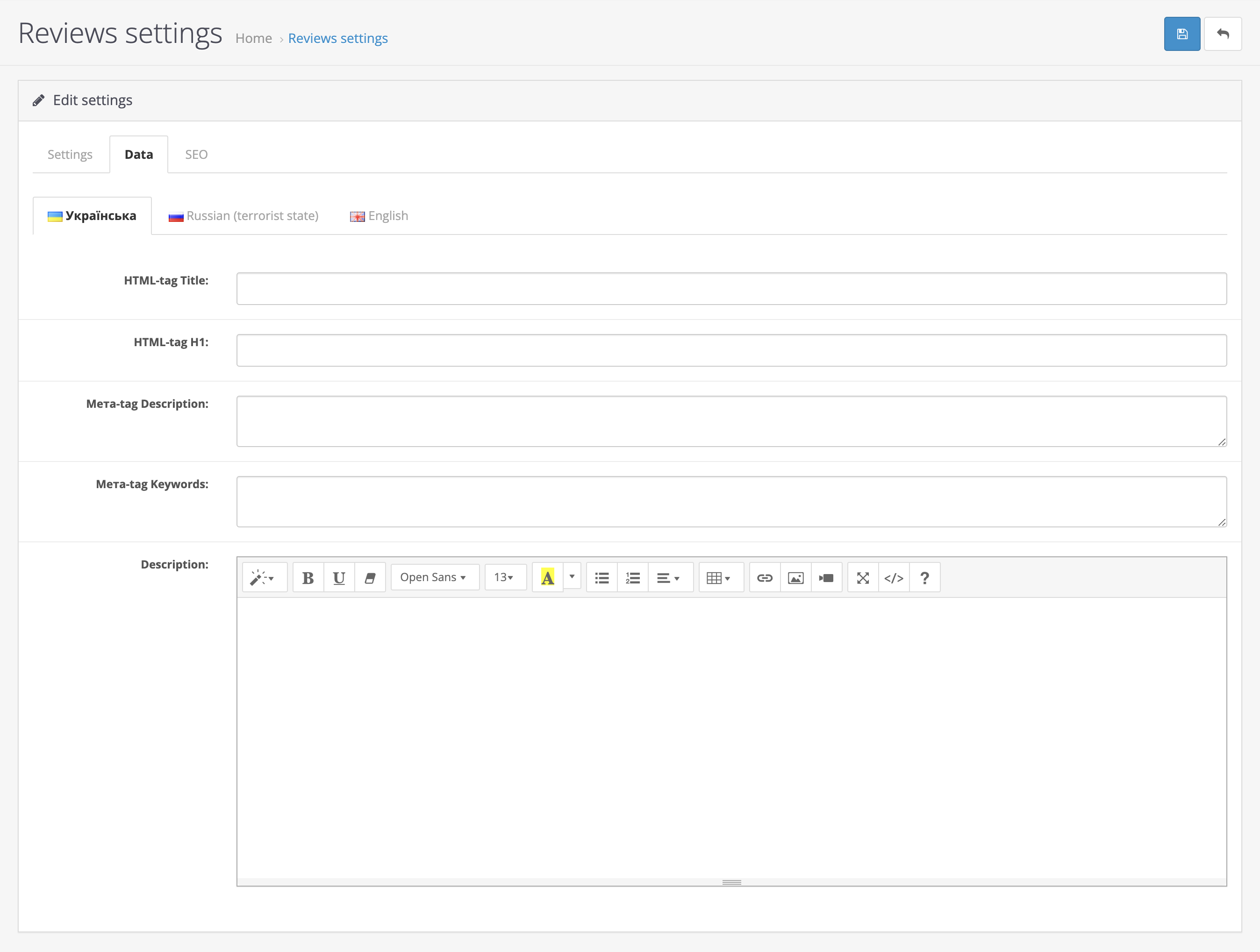
In the "SEO" tab, you can set the SEO URL for the reviews page. SEO URL support for multistore is available. The SEO URL must be unique across the entire system and must not contain spaces.
Survey topics
Here you can configure the rating criteria for your store, which customers will use to give ratings from 1 to 5 for each survey topic.
To configure survey topics, go to "Store Reviews" - "Survey Topics".
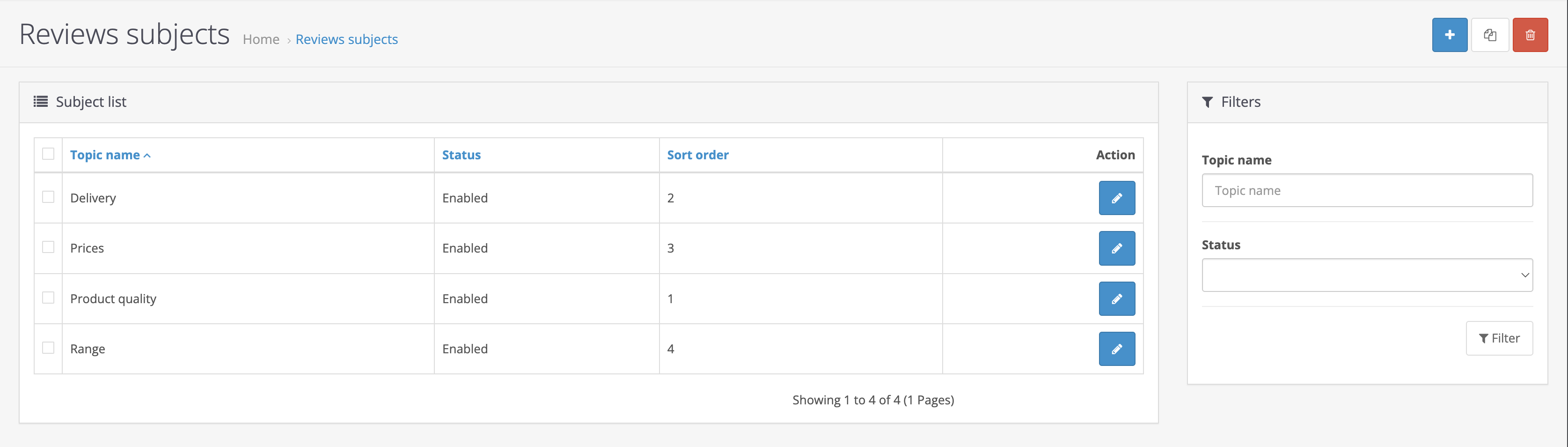
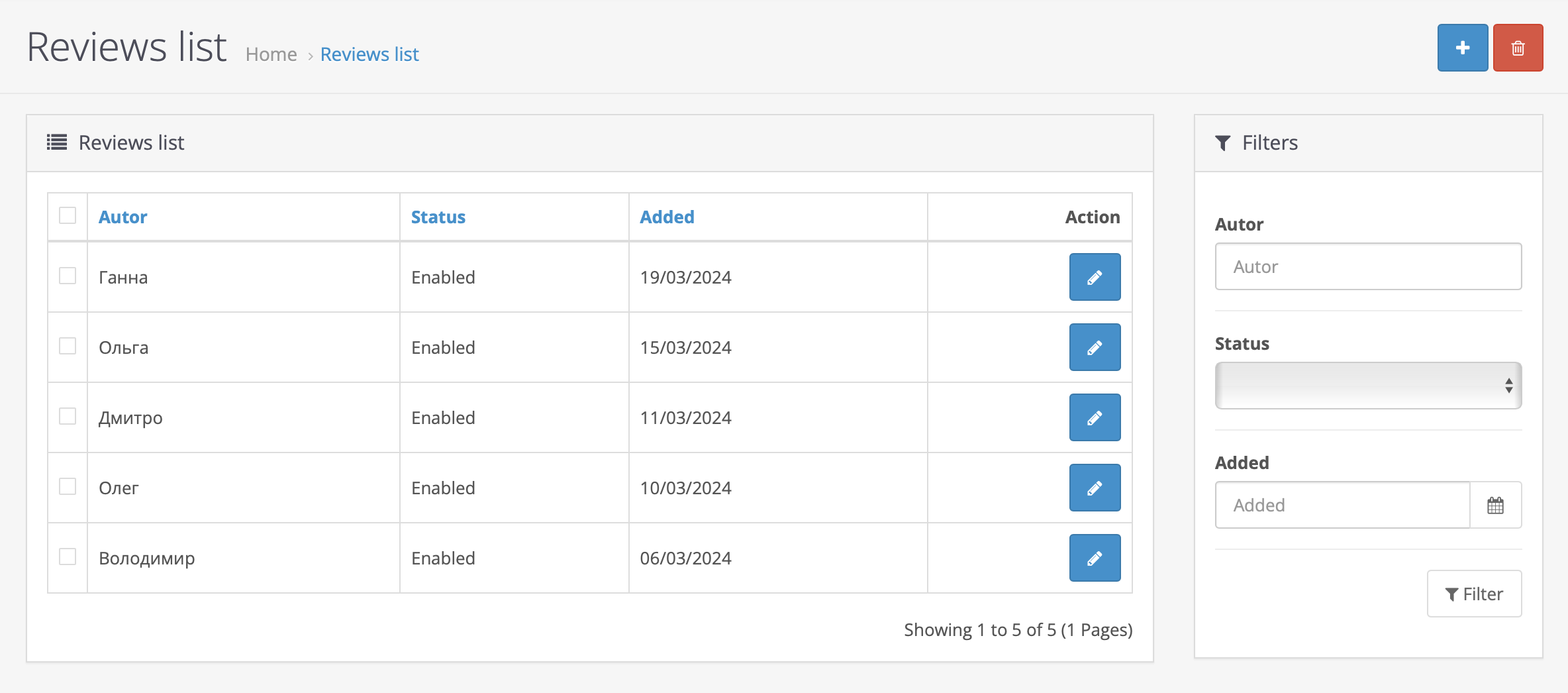
Review list
In this section, you can moderate reviews added by your customers. To do this, go to "Store Reviews" - "Review List".
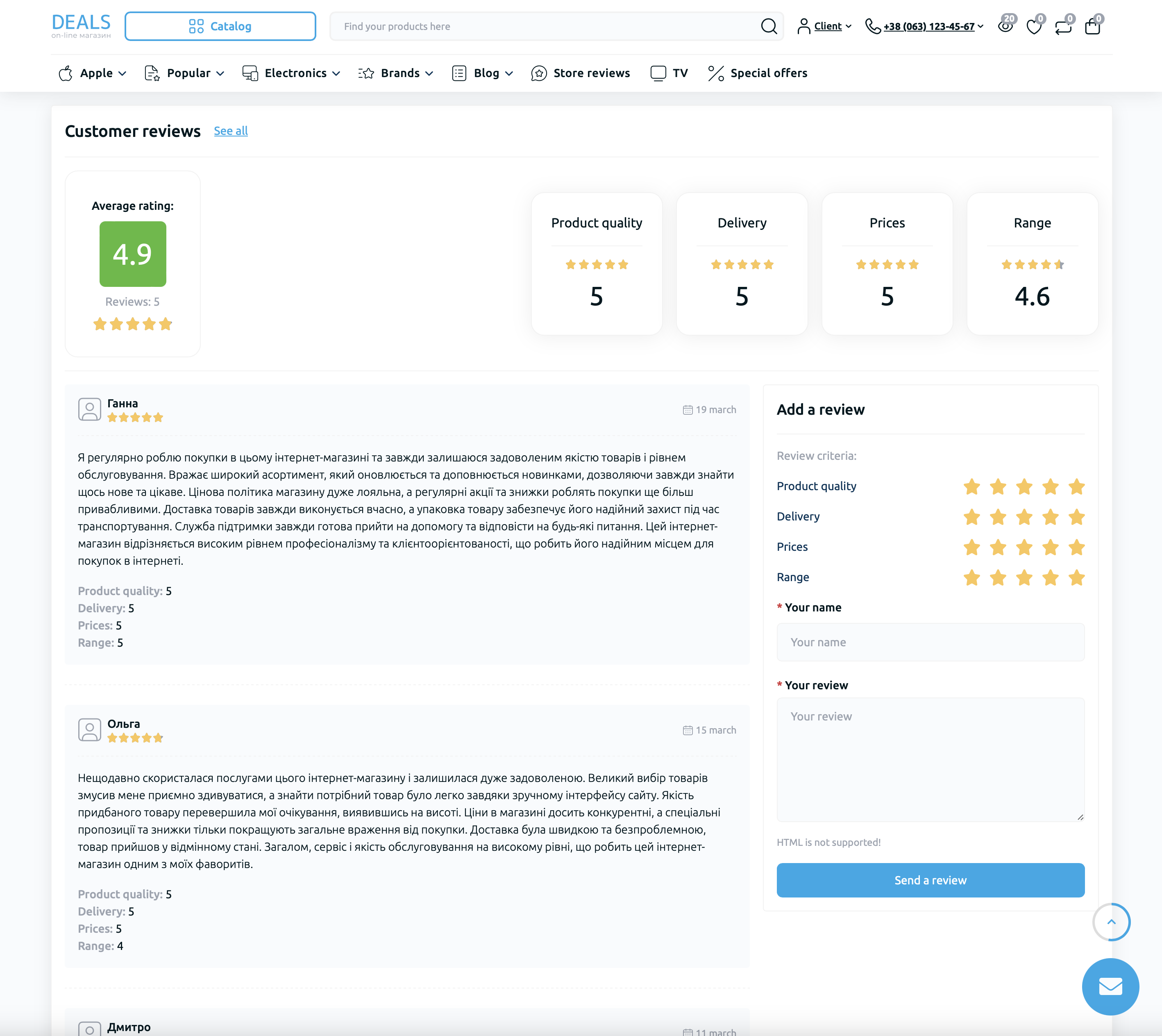
On the customer side, the module is available at: your-store.com/index.php?route=octemplates/module/oct_sreview_reviews
Replace your-store.com with your website address.
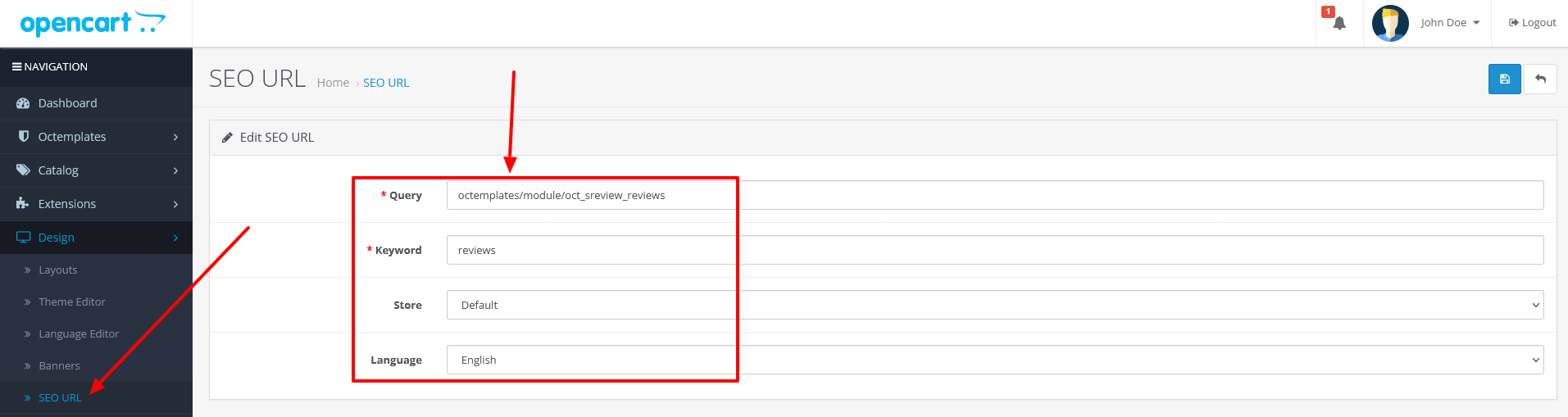
How to add an SEO-friendly URL for the module?
Go to the SEO URL manager.
In the "Query" field, enter: "octemplates/module/oct_sreview_reviews"
In the "Keyword" field, enter the required URL, for example: "reviews-ua"
Select the language and store for which the SEO URL should be applied, then save the settings.
To display the module link for your customers, add it to the "Mega Menu" module.
The "Latest Store Reviews" module
The "Latest Store Reviews" module allows you to display a block with the rating and latest reviews about your store anywhere on the site.
To configure the module, go to "Modules / Extensions" - "Modules / Extensions" and click the "Add" button next to the module name.
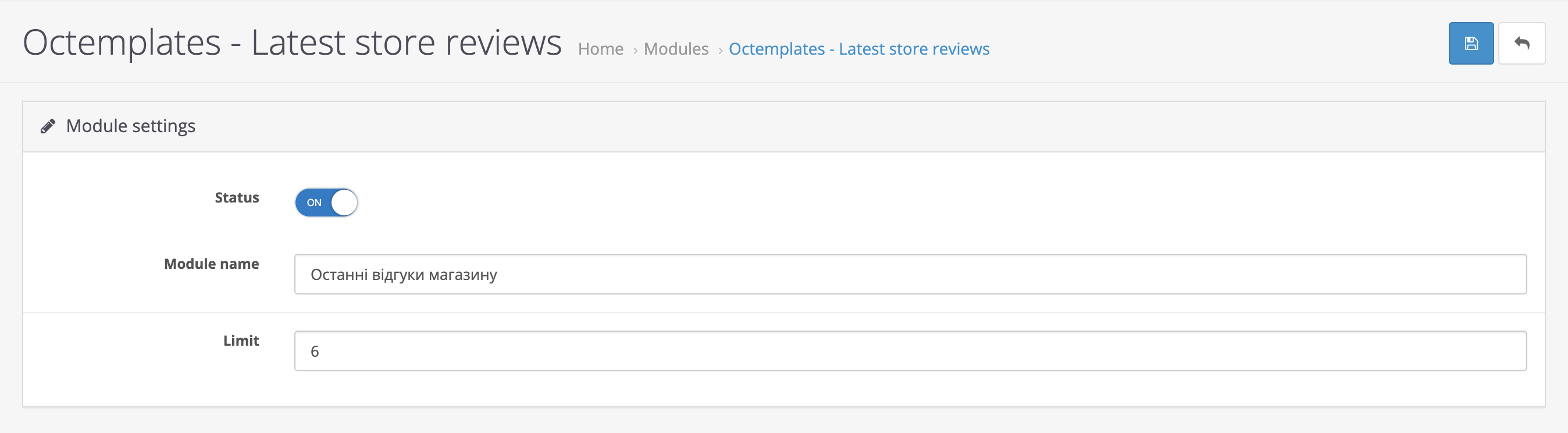
On the page that opens, you will see the following settings:
- "Status" — allows you to enable or disable the module;
- "Module name" — used to enter the module name so that it is easier to find in "Design -> Layouts";
- "Limit" — allows you to select the limit for the number of displayed reviews.
Write a comment