
The "Cookie Policy" module allows you to display a cookie policy notification at the bottom of the site page.
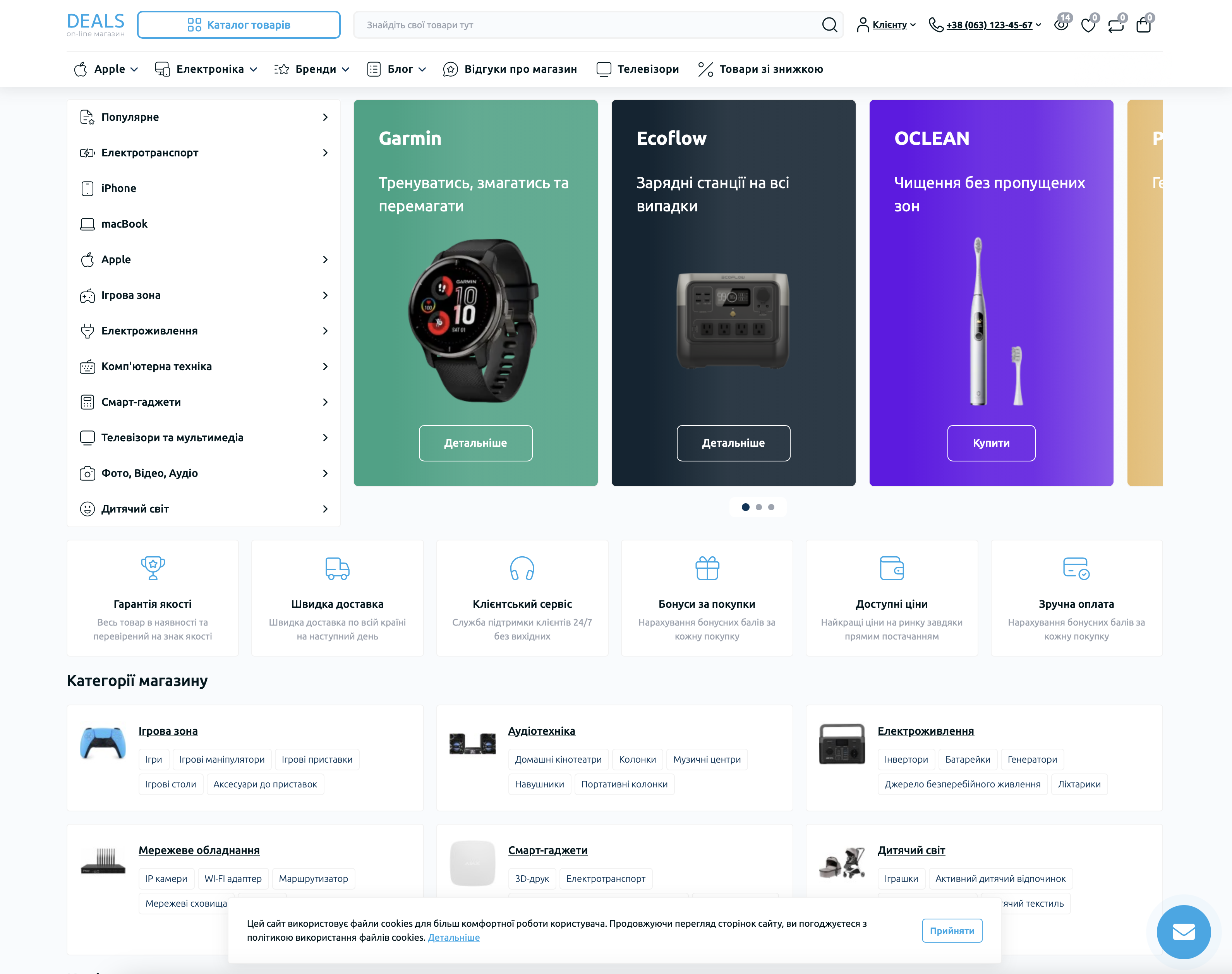
To activate the module, go to the list of installed modules and click the "Add" button next to the "Cookie Policy" module. After that, open the module settings by clicking the "Edit" button next to the module name.
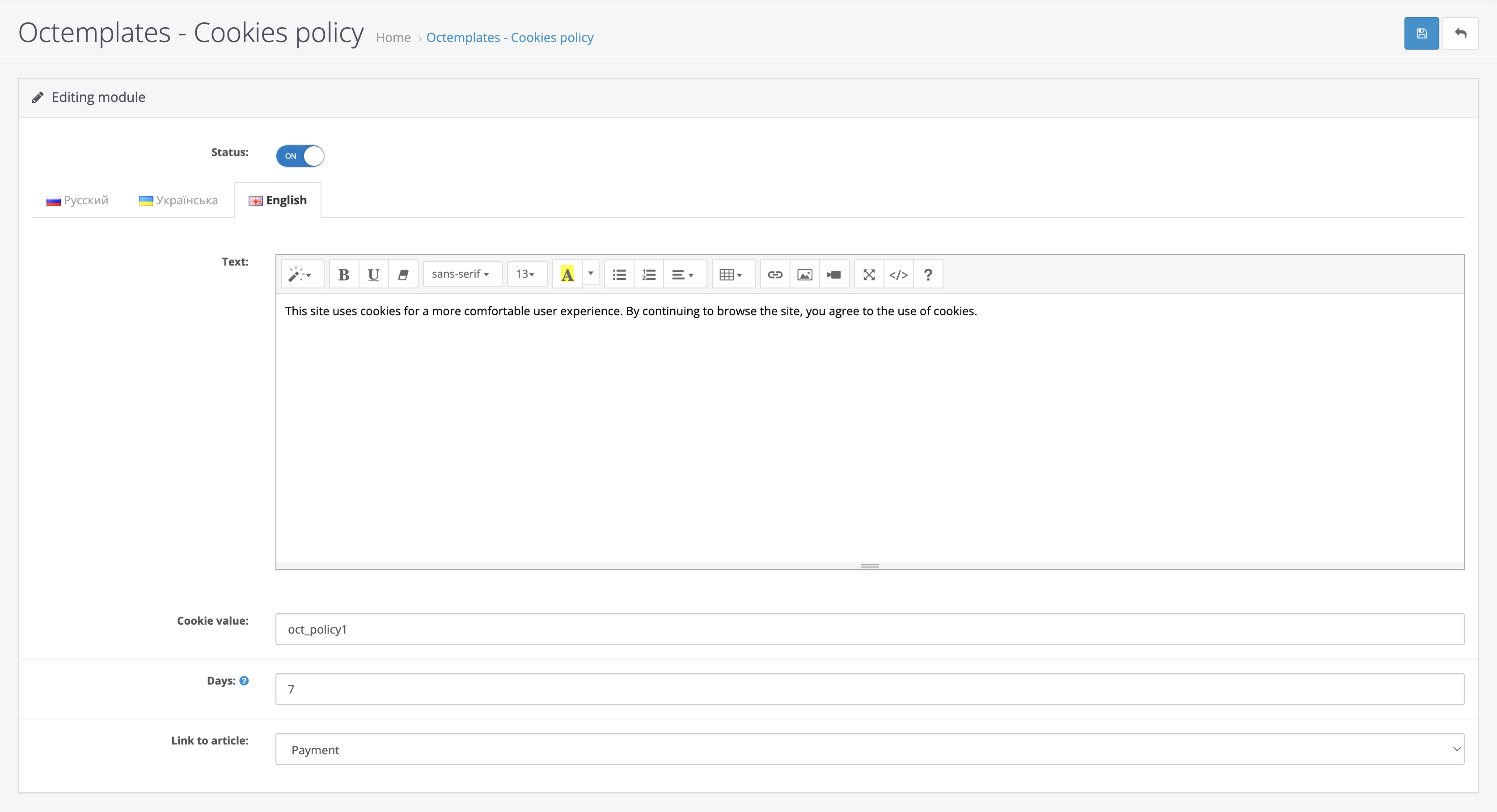
The following settings will be available in the window that opens:
- "Status" — allows you to enable or disable the module;
- "Text" — allows you to enter the notification text;
- "Cookie value" — allows you to set the cookie name identifier that will be stored on the user's computer;
- "Number of days" — allows you to set the number of days after which the Cookie notification will be shown again;
- "Article link" — allows you to select the article that contains the cookie policy.
Write a comment